
Epson F170 Maintenance Tank
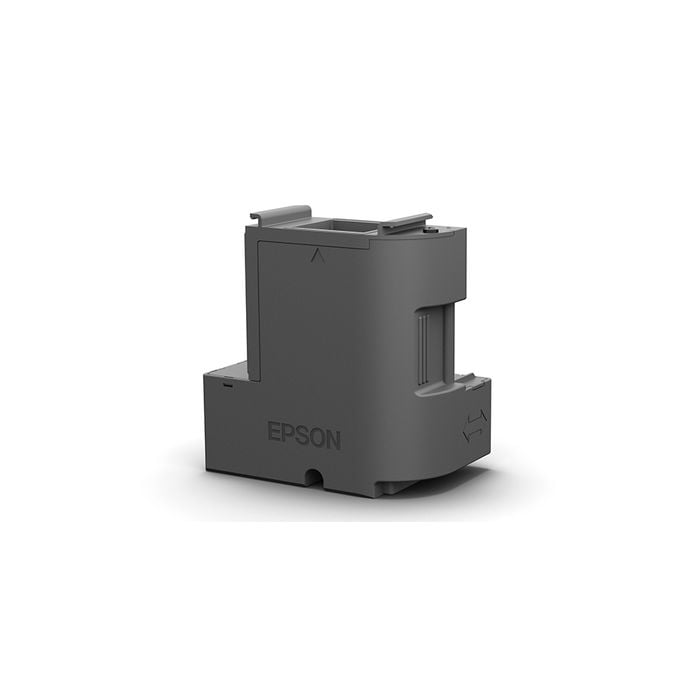
Keep your printer running smoothly and your production uninterrupted.
The Epson F170 Maintenance Box is an essential replacement component designed to collect excess ink that is flushed from the system during routine print head cleaning cycles. This process helps maintain print quality and keeps your equipment operating at its best.
Your printer and its software will automatically notify you when the maintenance box needs to be replaced, making it easy to stay ahead of downtime. Replacing the box is quick and simple, helping you get back to printing without disruption.
At Coastal, we know consistency matters. Keeping a spare maintenance box on hand is a smart way to protect your workflow and ensure your printer continues delivering reliable, professional results.
Compatible Printers:
- Epson F170
Why Replacement Is Important:
- Prevents “Maintenance Box Full” error - a full tank will cause the printer to stop printing until replaced
- Protects internal printer components
- Maintains print quality
- Avoids downtime
How to Replace the Maintenance Tank:
- Turn off printer
- Open maintenance slot
- Remove full tank
- Insert new tank
- Restart printer
Frequently Asked Questions:
Q1: What happens if the Epson maintenance tank is full?
The printer will stop printing and display a maintenance box full error until replaced.
Q2: Can I empty and reuse the tank?
No. Epson requires replacing the tank instead of emptying it to prevent leakage and printer damage.
Q3: How often does it need replacing?
Replacement frequency depends on print volume and cleaning cycles.
| Manufacturer | Epson |
|---|---|
| Print Applications | Dye-Sublimation |
| Compatible Printers | F170 |