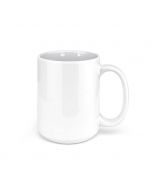
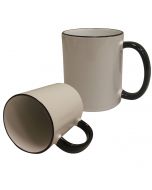
White Ceramic Sublimation Coffee Mug - Made in the USA - 11oz.
Only %1 left
SKU
21108U-C
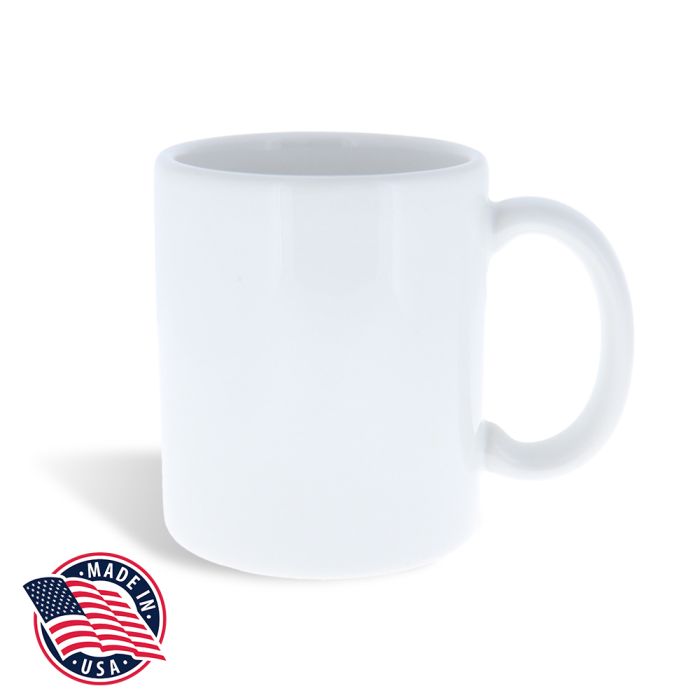
Create high-quality custom mugs with our 11oz. White Ceramic Coffee Mugs produced right here in the United States. These USA-made sublimation mugs make the perfect gift for all occasions. They feature a glossy surface for printing vivid, beautiful full-colors with sublimation, and sturdy walls for safe, durable use. These mugs are perfect for your logo, personalized design, and more!
Specifications:
- Create a personalized mug with dye-sublimation
- Capacity: 11oz.
- White ceramic, poly-coated for sublimation
- Microwave and dishwasher safe
- Lead-free
- Product Dimensions: 9.75"x3.25"Dx3.75"H
- For use with a Mug Press or a Mug Wrap
- Made in the United States
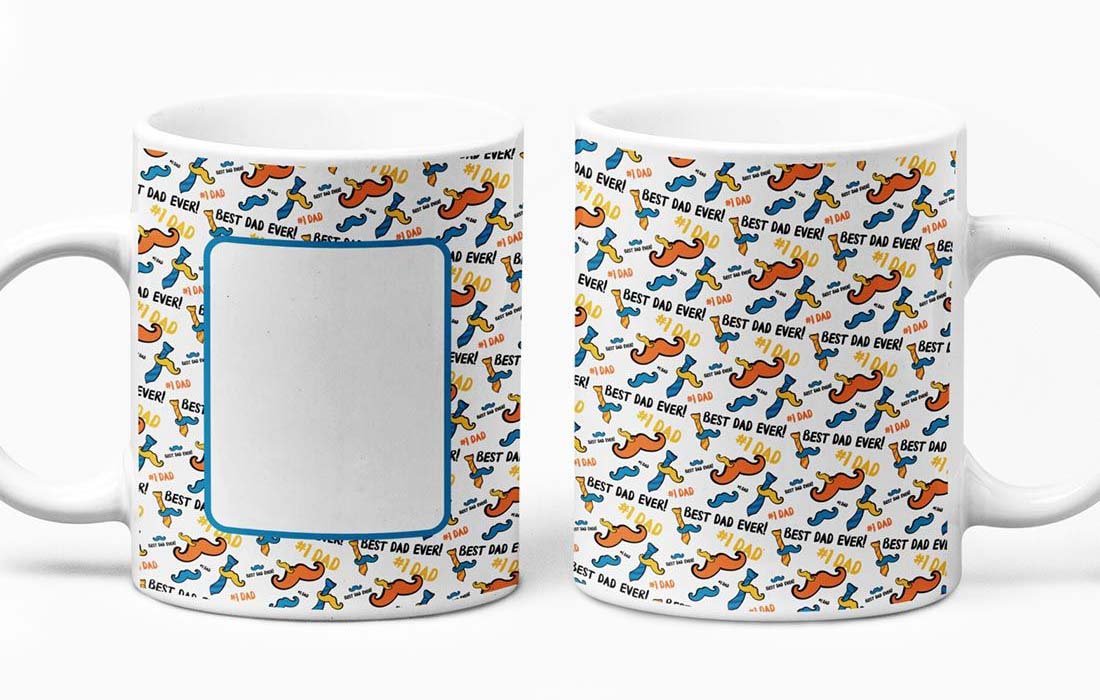
Mug Master Pro Mug Press
Idle Temperature: 390°FPress Temperature: 395°F
Time: 180 - 200 Seconds
Pressure: Firm
- Tape the sublimation paper with image printed in reverse to the mug with thermal tape
- When the heat press reaches the idle temperature, you will hear a beeping sound indicating that the machine is ready
- Place the coffee mug in the element and close it by pulling the handle towards you
- Press the green, round button to begin the pressing cycle (temperatures may drop which is normal)
- Once the press temperature is reached, the timer will begin counting down
- When the timer reaches 0, take out the mug from the press and remove the transfer paper immediately
- Allow the mug to cool completely before use
GeoKnight DK3
Press Temperature: 400°FTime: 6 - 7 Minutes (for solid, white, 11oz. mug only)
Pressure: Medium/Firm
- Attach sublimation transfer paper with image printed in reverse to the coffee mug with thermal tape
- Place mug in heat press at the press temperature, and close the element around it
- Press for the specified time above needed using specified pressure
- If the image begins to look blurry, or burnt brown by over-pressing, decrease pressing time by 15 - 30 seconds
- Once done, remove the mug from the press and remove the transfer paper immediately
- Allow the mug to cool completely before use
4-in-1 Mug Press
Press Temperature: 370°FTime: 250 Seconds
Pressure: Medium/Firm
- Attach sublimation transfer paper with image printed in reverse to the mug with thermal tape
- Place mug in press at the press temperature, and close the element around it
- Press for the specified time above needed using specified pressure
- If the image begins to look blurry, or burnt brown by over-pressing, decrease time by 15 - 30 seconds
- Once done, remove the mug from the press and remove the transfer paper immediately
- Allow the mug to cool completely before use
Oven Settings
Press Temperature: 400°FTime: 12 - 15 Minutes
(test in your oven for accurate time)
- Attach reversed printed image to mug with thermal tape
- Wrap silicone wrap around mug surface and clasp at handle
- Place in oven preheated to 400°F for approximately 12 - 15 minutes (test to determine best timing!)
- Afterwards, remove wrap and transfer immediately
- Allow the mug to cool completely before use
| Manufacturer | Coastal |
|---|---|
| Print Applications | Dye-Sublimation, Silicone Wrap |
| Finish | Gloss |
| Color | White |
| Substrate Material | Ceramic |
USA Made Mug Template AI
(79.35 kB)


USA Made Mug Template PSD
(702.62 kB)
Related Products
Check items to add to the cart or
-
 OVERSTOCK - Customizable Linen Throw Pillow Cover for Heat Transfer - (100/cs)Special Price $140.00 Regular Price $187.95
 -
 OVERSTOCK - Nonwoven Sublimation Tote Bag - Small - 10.25" x 13" (200/case)Special Price $130.00 Regular Price $257.45
 -
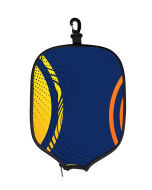 OVERSTOCK - Pickleball Paddle Cover - 50/CaseSpecial Price $185.00 Regular Price $219.95
 -
 OVERSTOCK Silk Touch Baby Blanket - 30" x 40" (24/case)Special Price $95.00 Regular Price $188.45
 -
 OVERSTOCK - White Polyester Sublimation Canvas Tote Bag (60/case)Special Price $225.00 Regular Price $309.95
 -
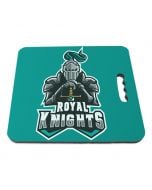 OVERSTOCK - 14" x 12.5" Sublimation Stadium Seat Cushion (2/pack)Special Price $25.00 Regular Price $29.25

We found other products you might like!
-
 CLEARANCE - White Stainless Steel Sublimation Coffee Mug with Lid - 10oz. (24/case)Special Price $240.00 Regular Price $265.45
 -
 OVERSTOCK - Clear Sublimation Shot Glass with Gold Trim and Printable White Area - 1.5oz (144/case)Special Price $200.00 Regular Price $212.45
 -
 OVERSTOCK - Clear Glass Sublimation Beer Stein - 16oz. (24/case)Special Price $80.00 Regular Price $165.95